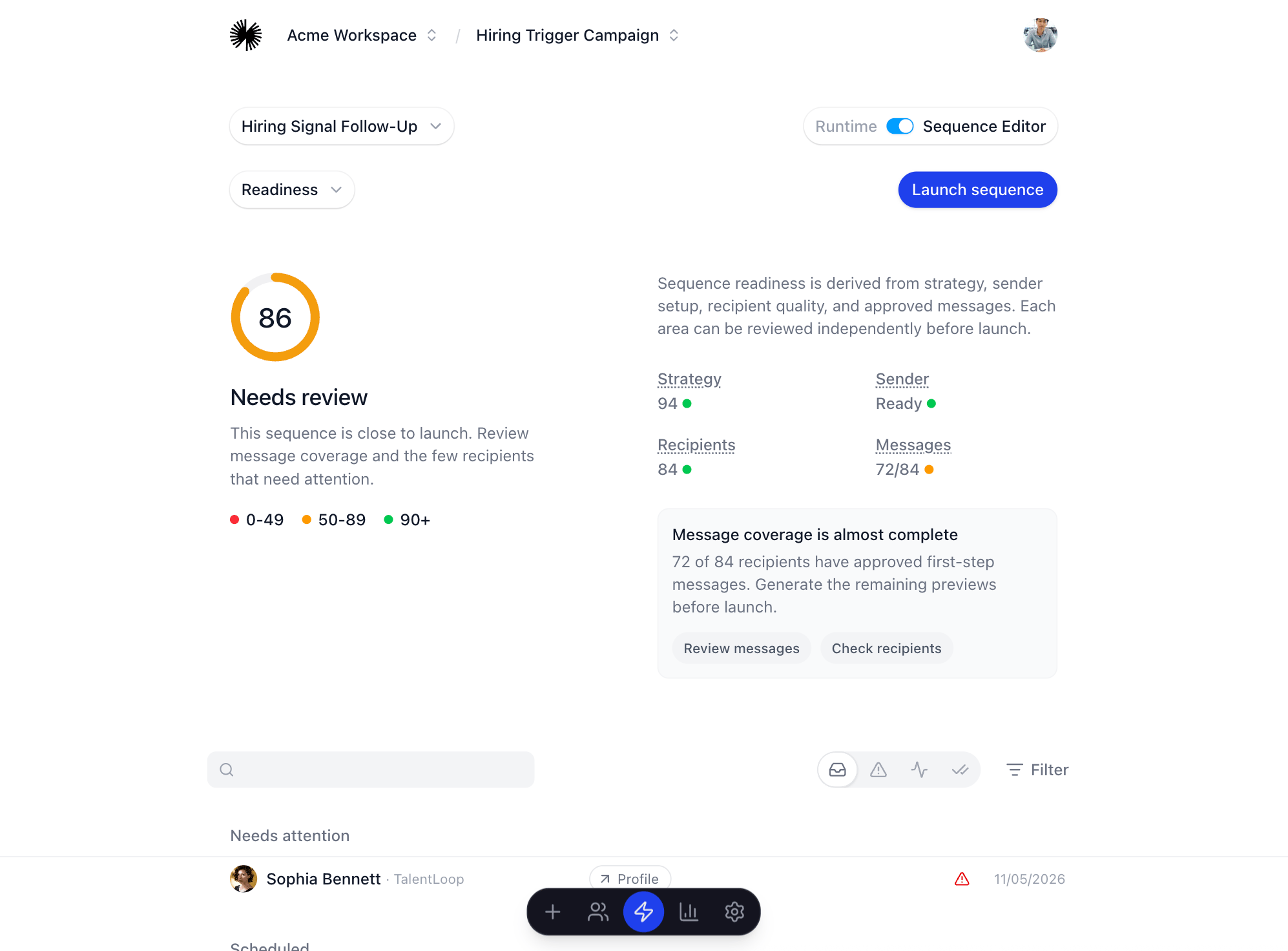
Build the sequence
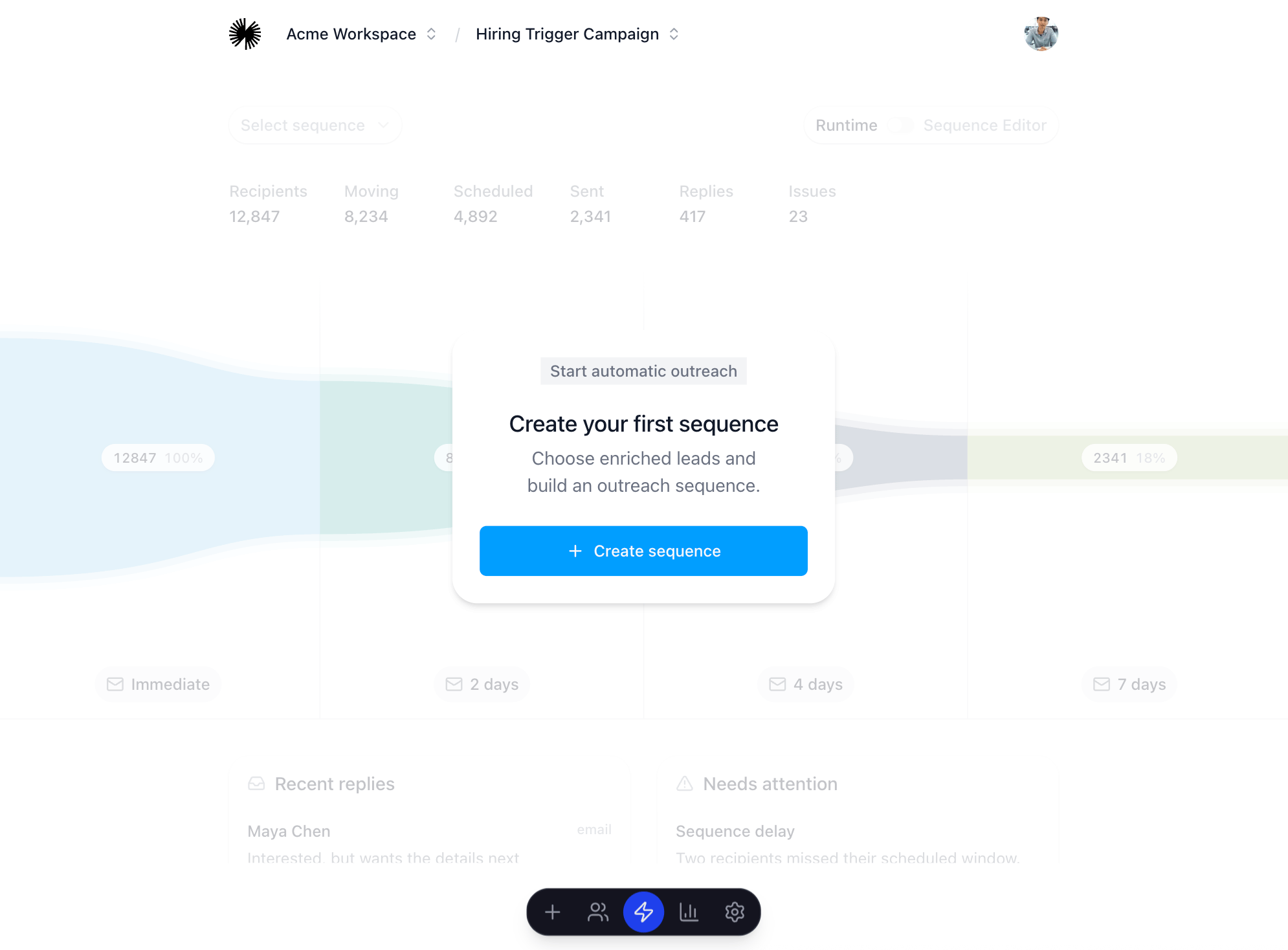
- Go to the Run’s Sequences page.
- Click Create sequence.
- Name the sequence.
- Select the strategy profile.
- Choose the eligible source groups that should enter the sequence.
- Create the sequence and open the Messaging Lab.
Review before launch
- Generate previews before approving messages.
- Check lead fit, message accuracy, channel coverage, and sender readiness.
- Resolve launch blockers shown in the readiness panel.
- Approve the messages that are ready to send.