> ## Documentation Index
> Fetch the complete documentation index at: https://plera.co/docs/llms.txt
> Use this file to discover all available pages before exploring further.
# Choose a Play
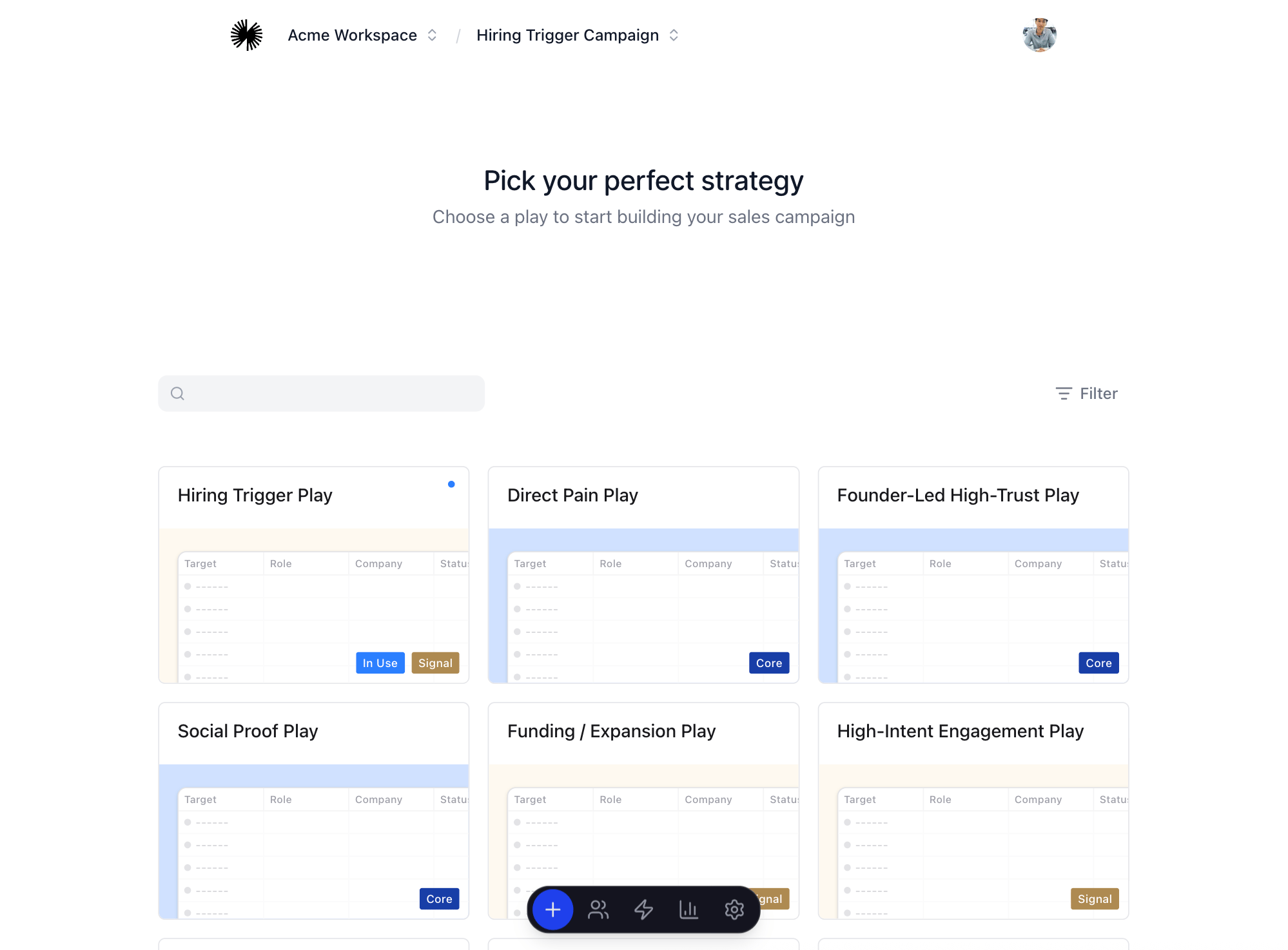
A Play is the executable outreach strategy for a Run. It determines the channel mix, sequence shape, enrichment fields, fit checks, and the kind of lead and message work Plera will help you run.
## How to choose
* Start from the workspace home screen, where the Play Library is shown.
* Filter or scan for the goal and relationship state that match the audience you want.
* Open the Play detail to review the sequence shape and channels.
* Click **Create run with play** and name the Run.
 ## Before you continue
You are ready to find leads when the Run exists and the selected Play matches the audience and channel strategy you want to test.
## Before you continue
You are ready to find leads when the Run exists and the selected Play matches the audience and channel strategy you want to test.